
See the remodel
before it happens.
From kitchens and baths to backyards and curb appeal — upload a photo, pick the changes, and show clients exactly what their space will look like in seconds.
Drag the slider to compare
Two trades, one tool
Indoors. Outdoors.
Built for remodeling contractors and landscape designers alike.
Interior
Interior remodels
Kitchens, baths, living rooms. Swap paint, flooring, cabinets, countertops, and lighting. Pick a design style — classic, modern, farmhouse, mid-century — and let AI render the rest.
- Paint & wall finishes
- Flooring & tile
- Cabinets & countertops
- Lighting fixtures
Exterior
Landscape design
Front yards, backyards, patios, pool decks. Choose hardscape, planting schemes, focal features, and outdoor lighting — trained on trends from top landscape designers.
- Pavers, decks & patios
- Planting & garden beds
- Fire pits, water features, pergolas
- Path, accent & security lighting
Built for contractors & landscapers
Close more jobs. Faster.
Three tools that turn "maybe" into "let's do it."
Visualize
Snap a room. Pick paint, flooring, cabinets, countertops. AI renders a photoreal preview in under a minute.
Estimate
Every visualization comes with an AI-generated cost estimate — materials and labor, line-by-line. Edit before sending.
Share
Send clients a private link with the before/after and the price tag. Make the decision easy.
Try it now
Upload a photo. No account needed.
Get one free watermarked preview right here. Create a free account for full-resolution renders, estimates and client presentation links.
Previews are low-resolution and watermarked.
Start free trialSample projects
Real photos. Real renders.
Every pair below started as a single photo. Drag any slider to compare.
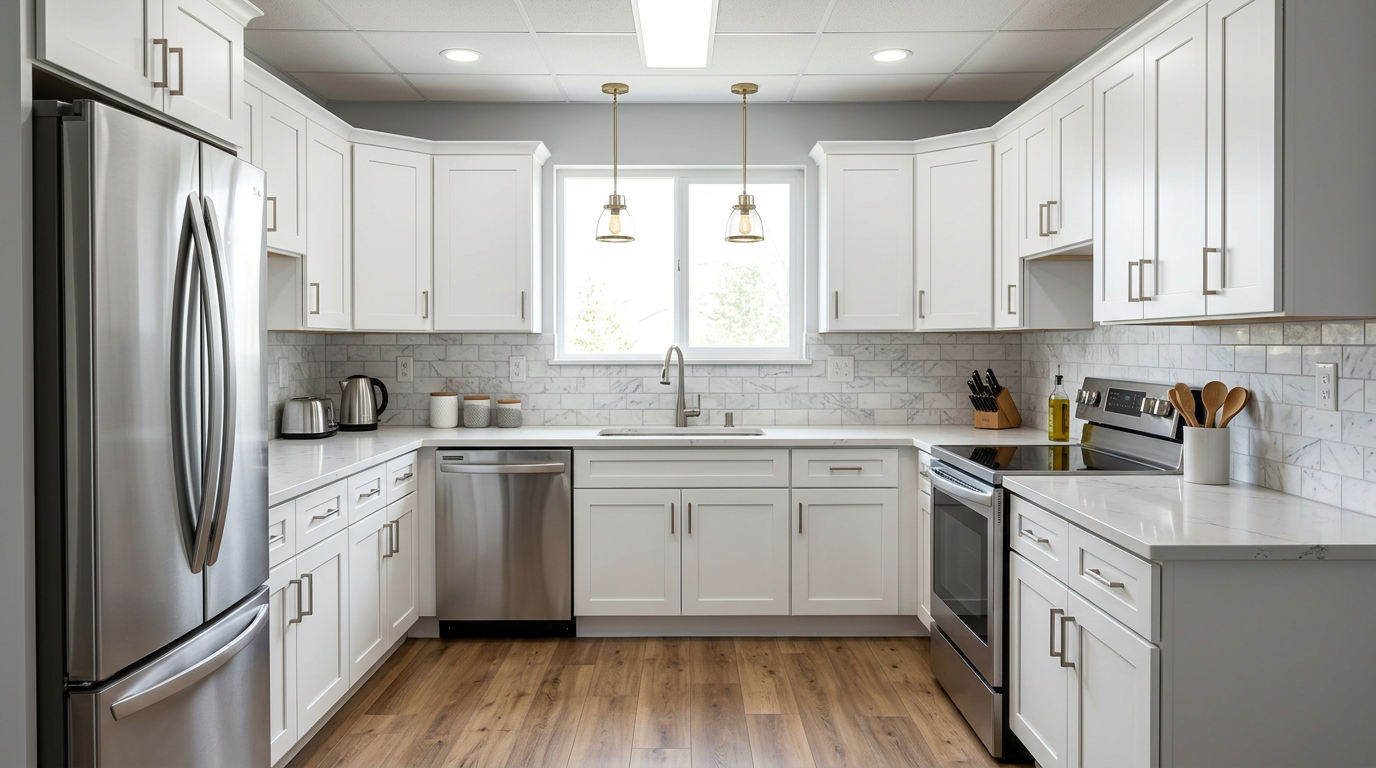
Kitchen remodel
Cabinet refinish, quartz counters, new flooring and lighting.
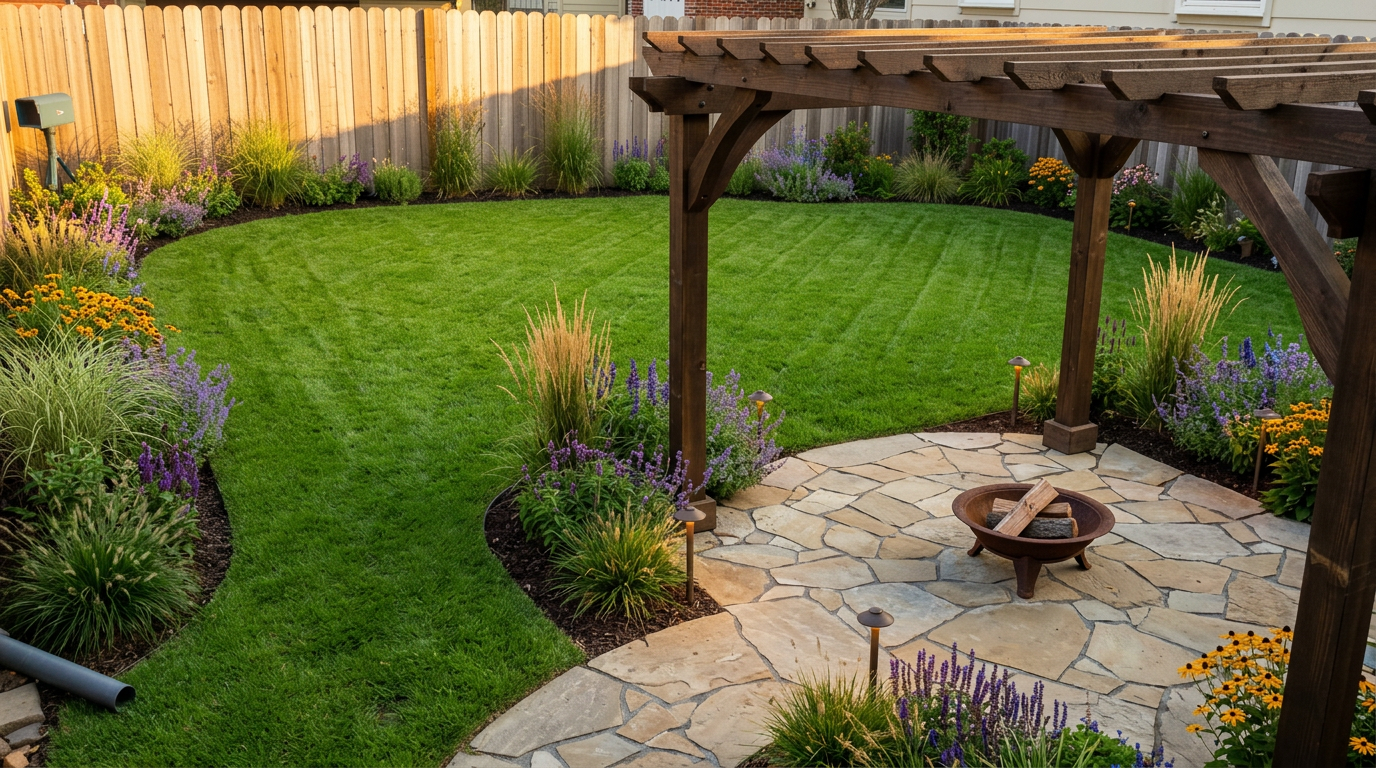
Backyard landscape
Sod, planting beds, hardscape patio and border edging.
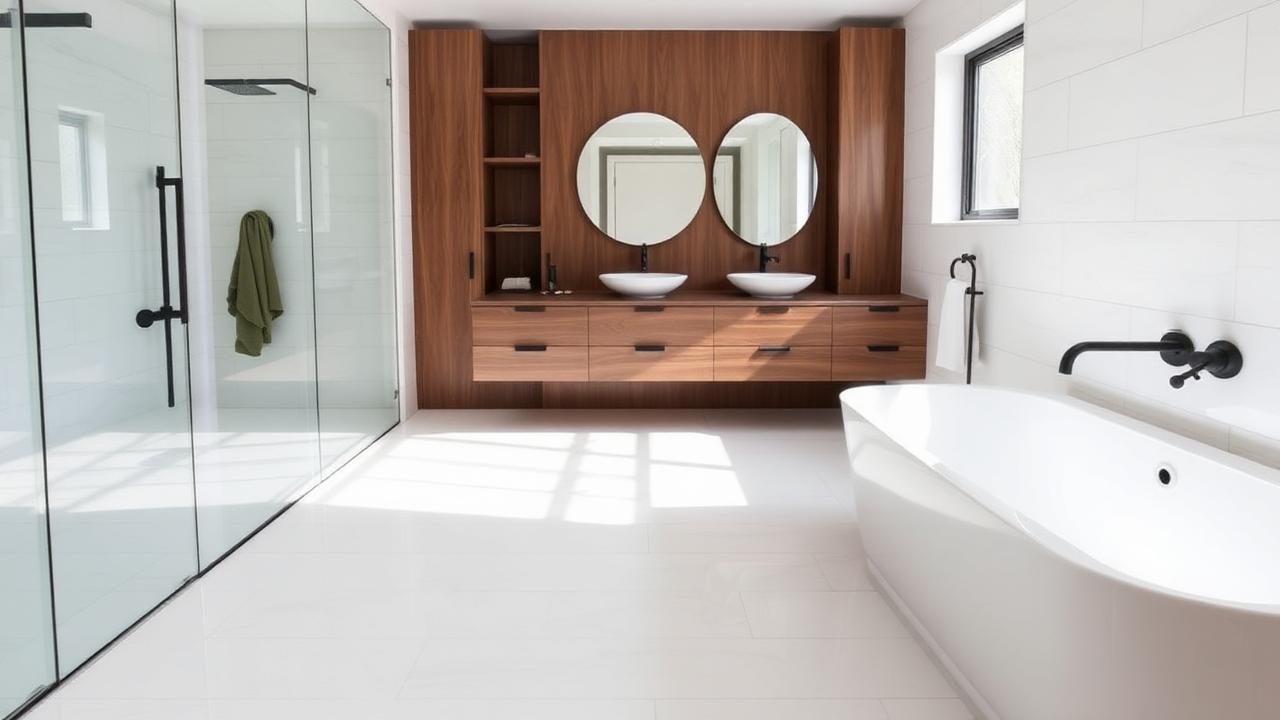
Bathroom gut
Large-format tile, floating vanity, matte black fixtures.
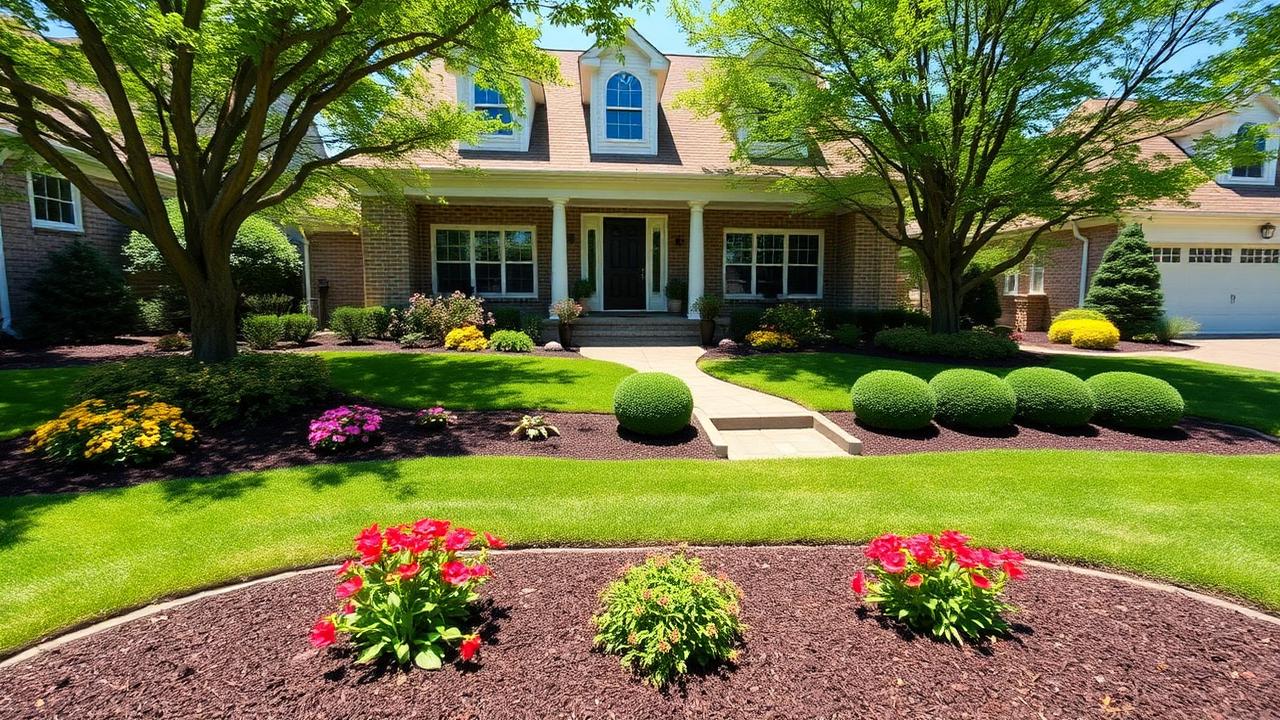
Front yard curb appeal
Flower beds, dark mulch, trimmed shrubs and stone edging.
Sample renders produced with renovu360 during beta testing.
How it works
Four steps. Sixty seconds.
Click through the flow — same one your clients will see.
Early access
We're in beta.
Be one of the first contractors to put renovu360 in front of a client. Your feedback shapes what we build next — and early users lock in founding pricing.
Pricing
Simple. Pay per render.
Try it free. Upgrade only when it's making you money.
Free
Kick the tires.
- 5 visualizations / month
- Before/after compare
- Share links
- Watermarked exports
Starter
For small crews.
- 15 visualizations / month
- No watermark
- Unlimited share links
- Email support
- $120/yr — 2 months free
Pro
For working contractors.
- Unlimited visualizations
- No watermark
- Unlimited share links
- Priority rendering
- $390/yr — 2 months free
Founding pricing launches soon. Early users lock in the best rate — no card required to start.
FAQ
Straight answers.
- How much does it cost right now?
- renovu360 is free to start — 5 visualizations per month, no credit card. Paid Starter and Pro plans launch later; beta users lock in founding pricing.
- How accurate are the renders?
- Renders are AI concept visualizations built from your photo, not construction drawings. They're accurate enough to show a client the look, finishes, and layout intent — always confirm exact materials and dimensions in your own scope of work.
- Are the cost estimates reliable?
- Estimates are AI-generated ranges based on typical regional material and labor costs. Treat them as a starting point: every line item is editable before you send anything to a client.
- Who owns the images?
- You do. Your photos and the renders generated from them belong to you and your client. We don't sell them or use them in marketing without your permission.
- What happens to my client's photos?
- Photos are stored privately in your account. Only you can see them, and a render is only public if you create a share link for it. Delete a project and its files go with it.
- Do I need special equipment?
- No. A phone photo works. Interior or exterior, any lighting — the clearer and wider the shot, the better the render.
- Can I edit a render after it's generated?
- Yes. You can refine an existing render with plain-English instructions, or change your selections and regenerate from the original photo. Every version is saved in the project's history.
- Does it work on a phone or tablet?
- Yes. renovu360 runs in the browser and installs as an app on iOS and Android, so you can render and present from a job site.
Stop describing.
Start showing.
Your first 5 visualizations are on us. No card, no setup.
Start free — 5 renders